Every now and then I see a question about calendars and what works for people with ADHD. Everyone is different and so what works for me might not work for you. However here are some things to consider which might help when trying different ways of keeping track of days and activities:
- Will you mainly be in an office or will you be in different places when you need to access your calendar? Think about portability vs visibility.
- Are you a tactile thinker? Do you prefer to write with pen and paper or use a digital tool with different views?
- Do you need to share your calendar with others in your team or might it need to integrate with other systems?
- Have one calendar for appointments. It might seem a good idea to have a paper calendar in your bag or pocket and separate work and home calendars on your computer and phone but the more you have, the more likely you are to fail to sync them up and end up with a double booking or forgetting an important event.
- Consider the cognitive load of various formats, particularly if you are neurodivergent. You may find that digital formats are distracting due to push notifications and a paper format might help with task initiation or planning.
- Keep it up to date. Remove cancelled appointments and add travel time as necessary to avoid a booking for a time you will be between sites.
Suggested formats based on needs:
| Need | Format |
| Always in one place at desk | Wall or desk calendar |
| Mostly mobile | Phone/Tablet app or compact paper planner |
| Collaborative work/integrations | Shared digital calendar e.g. Google |
| Visual planning | Colour coded digital or paper planner |
| Reminders | Digital calendar with reminders and possibly a smart watch |
| Low screen time | Paper planner |
| Flexible planning | Bullet journal format |
| Client bookings | Bookable times in your calendar e.g. Calendly or Tidycal combined with a shared digital calendar e.g. Google. |
My current setup is a Google calendar using my business account. Everything goes into this one to avoid double bookings or missed appointments. The calendar is accessible on my laptop, desktop, tablet and phone.
I use Tidycal and Dubsado for booking client appointments and both integrate with the Google calendar.
I use reminders and an apple watch which alert me to upcoming appointments.
For flexible notes related to specific days I use Tana and the Day page which means that I can review these notes in context.
We have a printed monthly calendar on the fridge for appointments my partner needs to be aware of as he does not use a digital calendar.
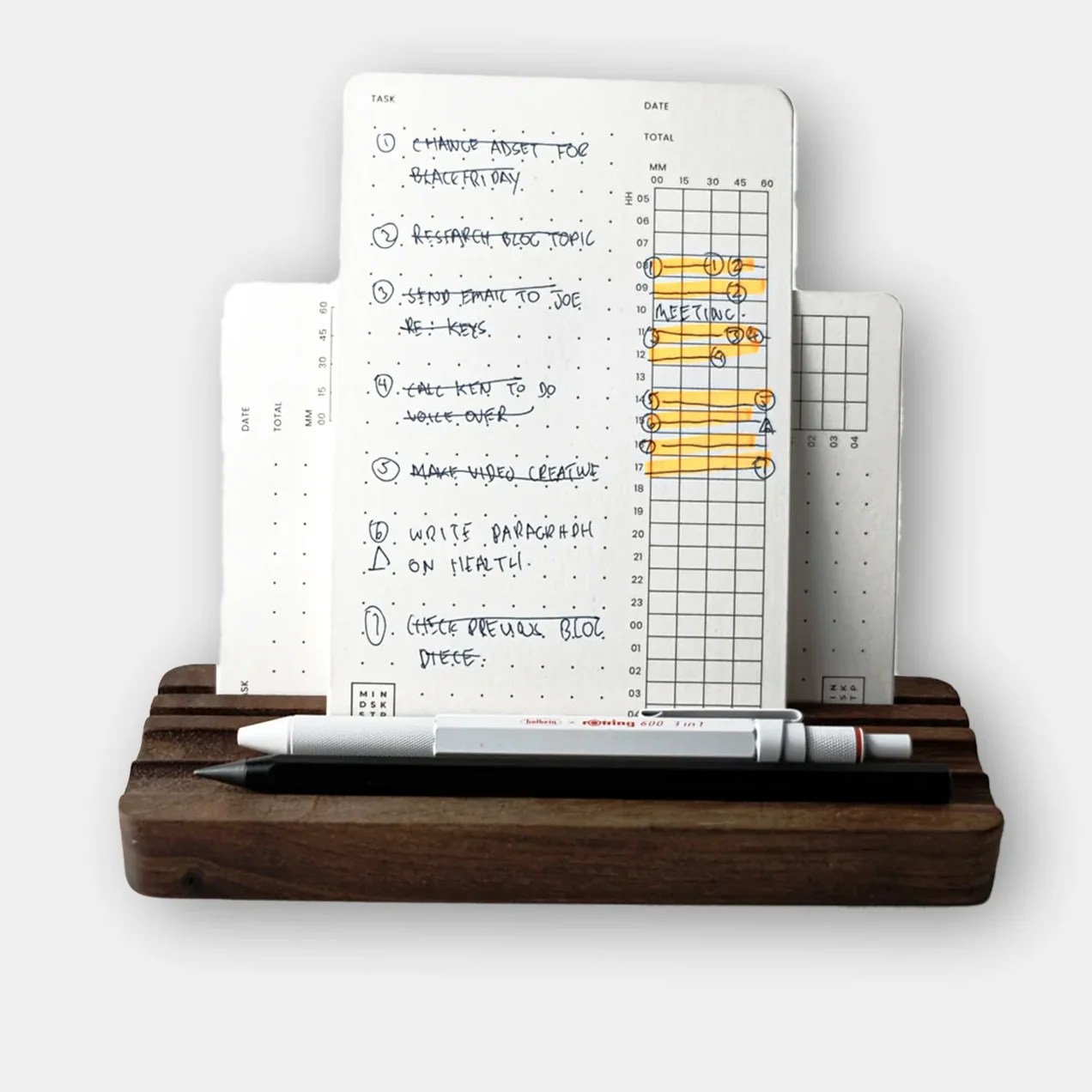
I use Task & Time cards for prioritisation of tasks and notes needed for when out and about e.g. Shopping list, postcode of a destination etc.
Does that help? What questions do you have now?

 pixlz
pixlz 
Leave a comment